Codes
Celestial Bros Game codes hub: how Roblox redemption works, why none are verified yet (Nov 2026), and safe places to spot new drops.
View all CodesCodes · Co-op Tycoon Guides · Tier Lists
Unofficial Celestial Bros Game Roblox wiki with codes, co-op tycoon tips, tier lists, and guides to progress faster every session.
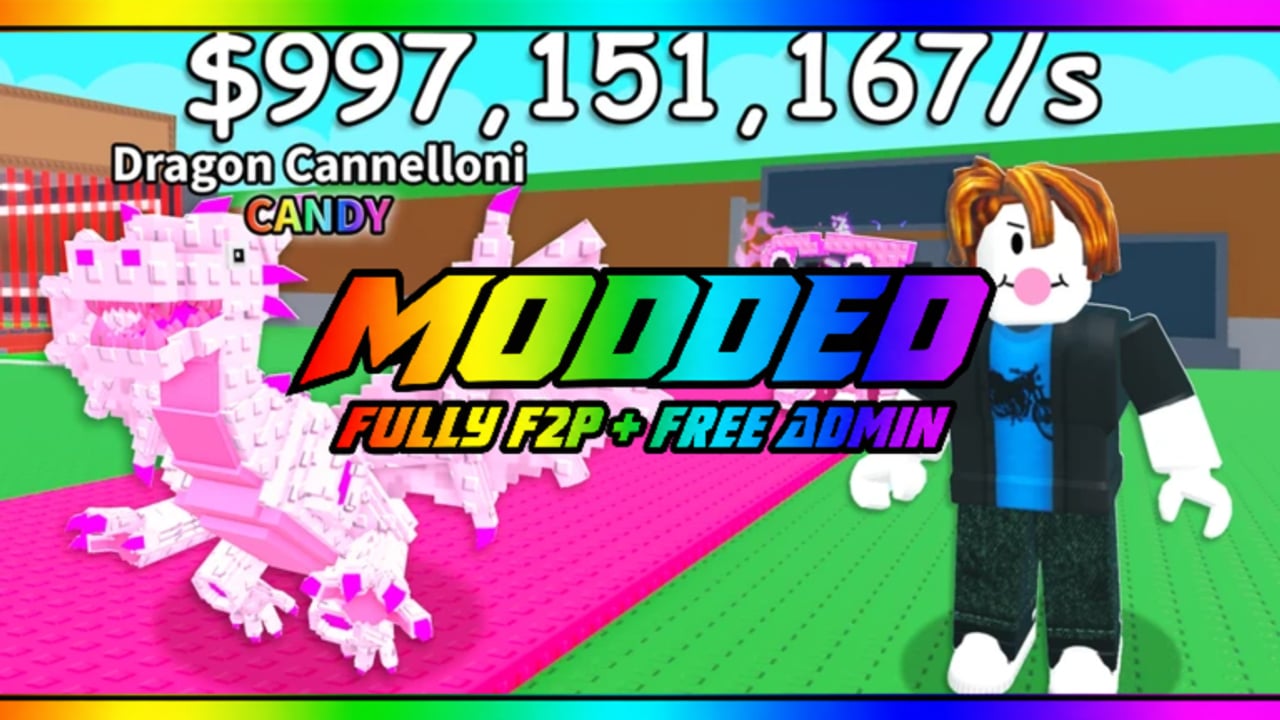
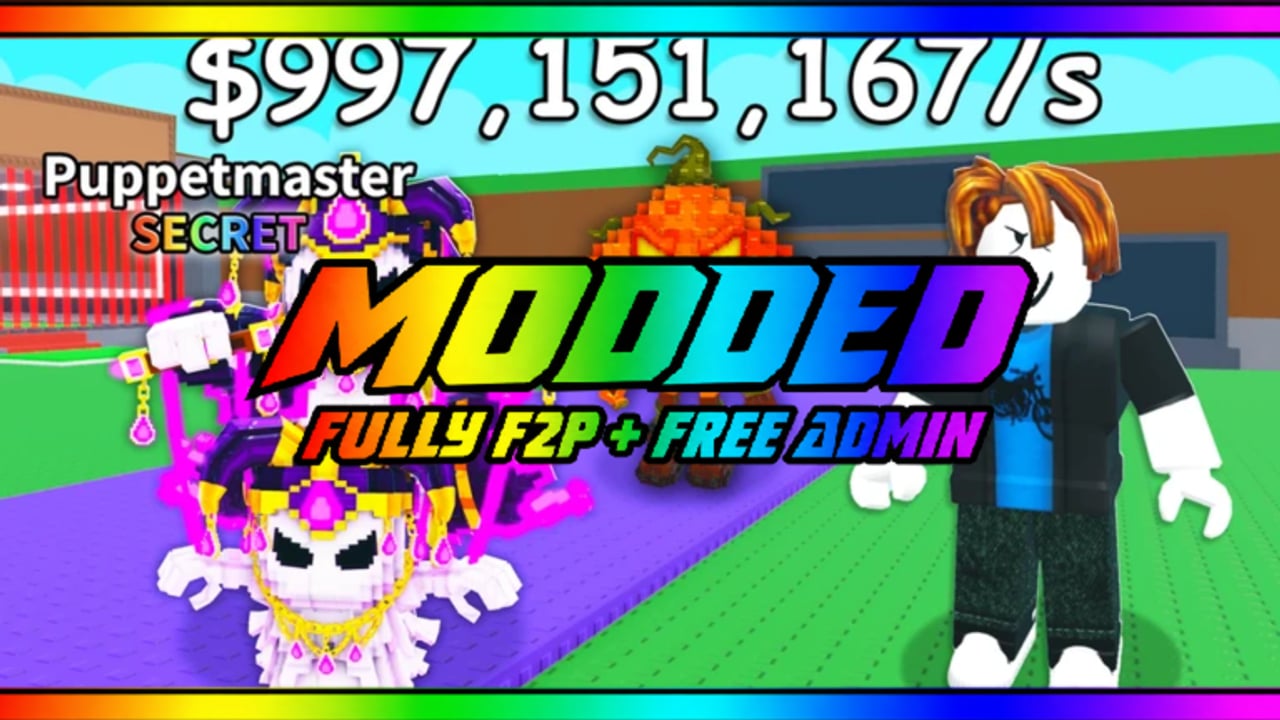
**Celestial Bros Game** is a free-to-play Roblox simulation tycoon from **xenonD3v** / **Celestial Studio Games** (released November 3, 2026). Team up with a bro, claim a cosmic plot, and grow a shared economy under purple nebula skies — built for PC, mobile, and tablet co-op. Start with the Getting Started walkthrough for day-one objectives, then learn the loop in How to Play and device inputs in Controls. Redeem live gifts on Codes, compare priorities on the Tier List, review safety notes on Scripts, and track patches on Updates.
Celestial Bros Game codes hub: how Roblox redemption works, why none are verified yet (Nov 2026), and safe places to spot new drops.
View all CodesBrowse Celestial Bros Game guides: getting started, controls, how to play, progression, gamepasses, co-op, and tips.
View all GuidesCelestial Bros Game tier list hub: early unlock roles plus provisional gamepass S/A/B/C ranks that stay honest as the meta shifts.
View all Tier ListCelestial Bros Game players hub: find co-op friends, join Celestial Studio groups, practice etiquette, and trade carefully on Roblox.
View all PlayersCelestial Bros Game updates hub: Nov 3 launch, ~Nov 7 gamepasses, Nov 17 Updated stamp, and how to track live changes.
View all UpdatesCelestial Bros Scripts Hub: executor risks, how to judge community tools, and why no verified game-specific scripts are listed yet.
View all ScriptsAbout this unofficial Celestial Bros Game wiki: hubs for codes, guides, tier lists, scripts, updates, and trusted Roblox links.
View all LinksOpen [Celestial Bros Game](https://www.roblox.com/games/108809035401998/Celestial-Bros-Game) on Roblox, load in with a friend when you can, and follow the Getting Started checklist so you do not miss early buttons or free income.
Check the Codes hub before you spend Robux. Copy each active string exactly, redeem in-game, then return here when the developer drops a new visit or like milestone gift.
The beginner guide covers movement, shop prompts, and how shared progress works with your bro. Use it as your how-to-play reference until you can run the first rebirth without guessing.
Open the Tier List when cash gets tight. Rank upgrades, drop priorities, and mid-game buys so both players push the same economy instead of wasting currency on weak paths.
Scan Updates after every major patch for balance changes, new codes, and QoL notes. Bookmark this wiki so you always have a fresh map of hubs after a content drop.
Celestial Bros Game is free-to-play, but official Roblox passes like No Cooldowns and Trait Hammer exist. Read the Gamepasses guide and Gamepasses Tier List before spending Robux — never buy passes from third-party sellers.
Quick answers for Celestial Bros Game players.
Read Getting Started first, redeem anything live on Codes, then use the Tier List before big purchases.
Yes. It is free-to-play on Roblox for PC, mobile, and tablet. Optional Robux purchases may exist, but you can learn the full co-op tycoon loop without paying.
The experience is developed by xenonD3v under Celestial Studio Games. This site is an unofficial fan wiki and is not endorsed by the studio or Roblox.
Yes — it is built as a simulation / tycoon you can progress with a bro. Pair up on the same server, share early goals, and align upgrade choices with the Tier List.
All tracked promo codes live on the Codes page with redemption notes. We mark unverified or expired strings clearly so you do not waste attempts.
This wiki supports: English, Français, Deutsch, Español, Português (BR). Configure locales in site.meta.json and run npm run generate:i18n.
See the Scripts hub for community tools players discuss. Use them only on your own account and never share account credentials.
Yes. Official Roblox gamepasses include Trait Hammer, No Cooldowns, Delete Hammer, Admin Panel, and Admin Commands. See the Gamepasses guide for prices and F2P advice.
From first-join tips to endgame optimization, this wiki covers the co-op tycoon loop. Start with the Getting Started guide or jump into Codes and the Tier List.
Start with the beginner guide